
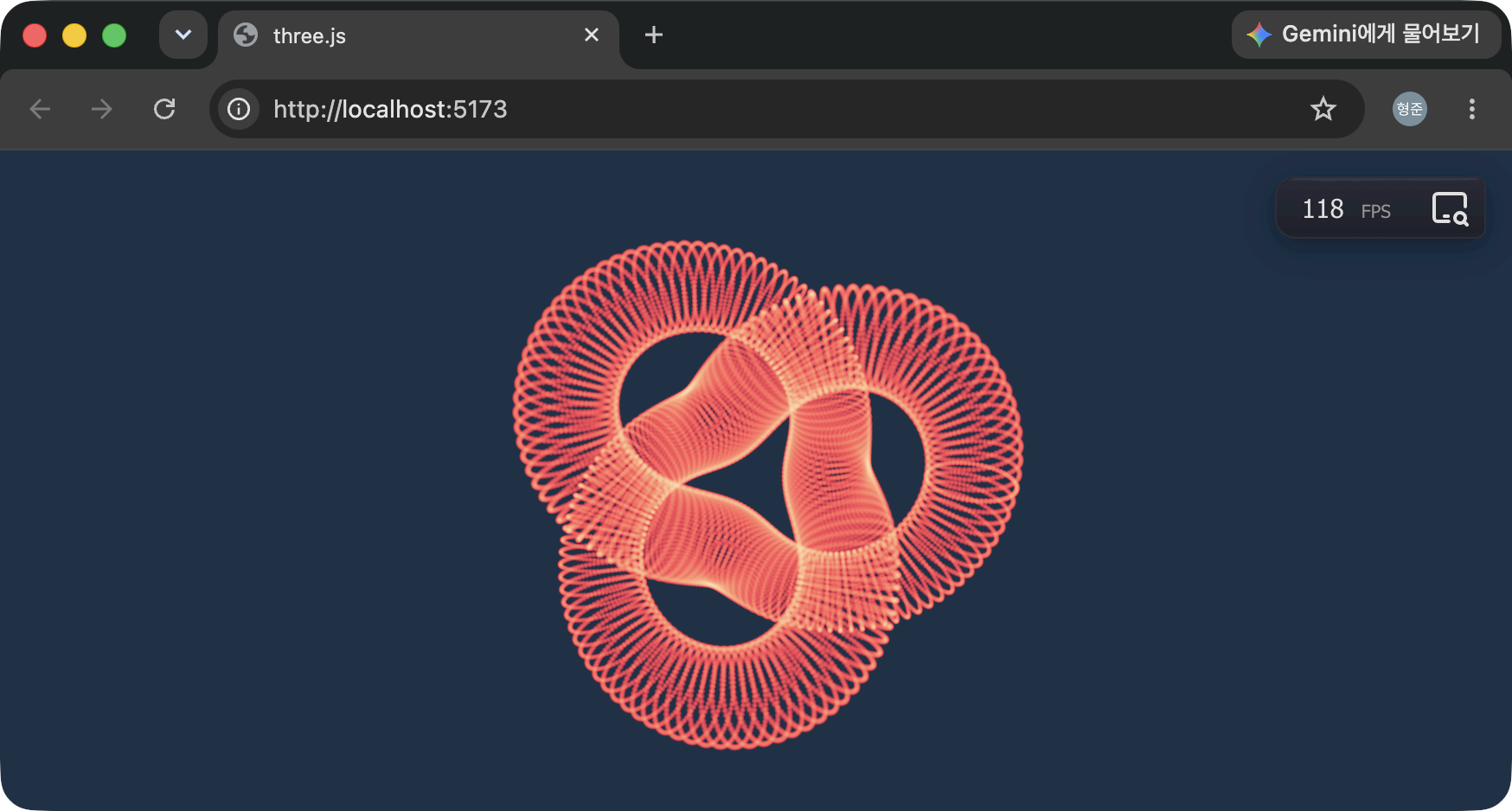
GPU에서 처리되는 StorageBufferAttribute 생성 (Compute Shader)

수백만개의 BOIDS에 대한 데이터를 빠르게 처리하기 위한 방안 중 가장 최고의 선택은 GPU에서 처리하는 것입니다. 처리하고자 하는 BOID의 개수가 다음과 같다고 할때 최종적으로 GPU에서 읽고 쓸 수 있는 StorageBufferAttribute 객체를 생성하는 과정을 코드로 정리합니다.

const BOIDS = 9;

BOID의 위치값에 대한 데이터라고 한다면 먼저 Float32Array 객체를 생성합니다.

const positionArray = new Float32Array(BOIDS * 3);

이 배열 객체에 BOID의 정보를 채움니다. 아래는 격자 형태로 BOID들이 배치되도록 합니다.

const cellSize = 0.5;

for (let i = 0; i < BOIDS; i++) {
  const offset = i * 3;
  const row = (i % 3) - 1;
  const col = (~~(i / 3)) - 1;

  positionArray[offset + 0] = col * cellSize;
  positionArray[offset + 1] = row * cellSize;
  positionArray[offset + 2] = 0; // 이미 0으로 초기화 되어 있으므로 불필요함 코드
}

이렇게 만든 배열 객체를 StorageBufferAttribute로 생성하기 위한 코드는 다음과 같습니다.

const positionStorage = attributeArray(positionArray, "vec3");

이제 positionStorage를 통해 GPU에서 BOID의 위치를 읽고 쓸 수 있습니다.

GPU를 통해 positionStorage를 읽는 TSL 코드 예시는 다음과 같습니다.

const flockVertexTSL = Fn(() => {
  const instanceID = attribute("instanceID");
  const finalVert = modelWorldMatrix.mul(
    positionLocal.add(positionStorage.element(instanceID))
  ).toConst();
  return cameraProjectionMatrix.mul(cameraViewMatrix).mul(finalVert);
});

2번 코드는 positionStorage에 저장된 BOID 중 읽을 녀석에 대한 인덱스값입니다. 위의 경우는 별도의 attribute에 BOID의 인덱스를 저장해 사용하고 있습니다. flockVerteTSL은 재질의 vertexNode에 지정하면 됩니다.

만약 positionStorage에 저장된 BOID 들의 위치를 변경하고자 할때 GPU에서 수행할 수 있고 이를 Compute Shader를 통해 동시에 처리가 가능합니다. 아래는 해당 처리를 수행하는 GPU에서 실행되는 함수의 예시입니다.

const radius = uniform(float(0.7));
const delta = uniform(float(1));

const computePosition = Fn(() => {
  const PI2 = float(6.2832).toConst();
  const theta = PI2.div(BOIDS).toConst();
  const idx = instanceIndex.toConst();
  const posx = cos(time.add(theta.mul(idx))).mul(radius).toConst();
  const posy = sin(time.add(theta.mul(idx))).mul(radius).toConst();
  const cellSize = .5;
  const row = float(idx).mod(3.0).sub(1.0).toConst();
  const col = floor(float(idx).div(3.0)).sub(1.0).toConst();
  const v1 = vec3(posx, posy, 0).toConst();
  const v2 = vec3(col.mul(cellSize), row.mul(cellSize), 0).toConst();
  positionStorage.element(idx).assign(mix(v2, v1, delta));
})().compute(BOIDS);

위의 코드 중 instanceIndex는 처리되고 있는 BOID의 인덱스입니다. 코드의 마지막에 compute 매서드를 통해 인자로 받은 개수만큼 병렬로 동시에 실행되어질 수 있도록 해줍니다. 위에서 정의된 computePosition는 (필요하다면 필드화하여) 매 프레임마다 렌더링될 때 실행해줘야 하며 아래는 그 코드 예시입니다.

this._renderer.compute(this._computePosition);

여러 개의 텍스쳐 데이터를 한꺼번에 쉐이더로 전달하기

텍스처는 이미지 그 이상의 가치를 가진 데이터이다. 텍스쳐를 쉐이더로 넘길때 흔히 하나씩 넘기는 경우가 흔한데, 가능하다면 한꺼번에 넘기는게 속도면에서 훨씬 이득이다. 즉, 텍스쳐 배열 타입(sampler2DArray)으로 쉐이더에서 받도록 한다. 이를 위해 three.js 개발자는 다음과 같은 편리한 클래스를 제공한다.

class TextureAtlas {
  // 너무 길어서 전체 코드는 이 글 맨 아래 참조
}

사용 방법을 보자. 먼저 전달할 여러개의 이미지 파일을 위의 클래슬르 통해 불러온다.

const textures = new TextureAtlas();
diffuse.Load('myTextures', [
  './textures/a.png',
  './textures/b.png',
  './textures/c.png',
  ...
]);

textures.onLoad = () => {
  myShaderMaterial.uniforms.uniformData.value = textures.Info['myTextures'].atlas;
};

쉐이더 코드에서는 uniformData라는 이름의 uniform 데이터를 다음처럼 참조할 수 있게 된다.

uniform sampler2DArray uniformData;

main() {
  vec4 color = texture2D(uniformData, vec3(uv, 0.0));

  ...
}

texture2D의 2번째 인자가 3차원 데이터인데, 3번째 차원의 값을 통해 어떤 텍스처 데이터를 사용할지를 지정하는 인덱스이다. 0이면 첫번째 텍스쳐 데이터인 a.png, 2이면 c.png라는 식이다. 쉽죠?

너무 길어 보여주지 않았던 TextureAtlas의 전체 코드는 다음과 같다.

function _GetImageData(image) {
  const canvas = document.createElement('canvas');
  canvas.width = image.width;
  canvas.height = image.height;

  const context = canvas.getContext('2d');
  context.translate(0, image.height);
  context.scale(1, -1);
  context.drawImage(image, 0, 0);

  return context.getImageData( 0, 0, image.width, image.height );
}

class TextureAtlas {
  constructor() {
    this.create_();
    this.onLoad = () => {};
  }

  Load(atlas, names) {
    this.loadAtlas_(atlas, names);
  }

  create_() {
    this.manager_ = new THREE.LoadingManager();
    this.loader_ = new THREE.TextureLoader(this.manager_);
    this.textures_ = {};

    this.manager_.onLoad = () => {
      this.onLoad_();
    };
  }

  get Info() {
    return this.textures_;
  }

  onLoad_() {
    for (let k in this.textures_) {
      let X = null;
      let Y = null;
      const atlas = this.textures_[k];
      let data = null;

      for (let t = 0; t < atlas.textures.length; t++) {
        const loader = atlas.textures[t];
        const curData = loader();

        const h = curData.height;
        const w = curData.width;

        if (X === null) {
          X = w;
          Y = h;
          data = new Uint8Array(atlas.textures.length * 4 * X * Y);
        }

        if (w !== X || h !== Y) {
          console.error('Texture dimensions do not match');
          return;
        }
        const offset = t * (4 * w * h);

        data.set(curData.data, offset);
      }

      const diffuse = new THREE.DataArrayTexture(data, X, Y, atlas.textures.length);
      diffuse.format = THREE.RGBAFormat;
      diffuse.type = THREE.UnsignedByteType;
      diffuse.minFilter = THREE.LinearMipMapLinearFilter;
      diffuse.magFilter = THREE.LinearFilter;
      diffuse.wrapS = THREE.ClampToEdgeWrapping;
      diffuse.wrapT = THREE.ClampToEdgeWrapping;
      // diffuse.wrapS = THREE.RepeatWrapping;
      // diffuse.wrapT = THREE.RepeatWrapping;
      diffuse.generateMipmaps = true;
      diffuse.needsUpdate = true;

      atlas.atlas = diffuse;
    }

    this.onLoad();
  }

  loadType_(t) {
    if (typeof(t) == 'string') {
      const texture = this.loader_.load(t);
      return () => {
        return _GetImageData(texture.image);
      };
    } else {
      return () => {
        return t;
      };
    }
  }

  loadAtlas_(atlas, names) {
    this.textures_[atlas] = {
      textures: names.map(n => this.loadType_(n))
    };
  }
}

뭐.. 별거 없죠?

프레넬(Fresnel)

아래와 같은 glsl 코드가 있을때 …

vec3 viewDirection = normalize(vPosition - cameraPosition);
vec3 normal = normalize(vNormal);
float fresnel = ...
vec3 color = vec3(fresnel);

gl_FragColor = vec4(color, 1.0);

세번째 줄의 코드를 다음처럼 하면 …

float fresnel = pow(dot(viewDirection, normal) + 1., 10.);

또는 다음처럼 하면 …

float fresnel = pow(abs(dot(viewDirection, normal) + .3), 2.);

이웃 격자 밖으로 출력된 결과에 대한 자연스러운 처리

  ..
  
  float n = Hash21(id);
  col += Star(gv - vec2(n, fract(n * 34.)) + .5, 1.);
  
  ..

위의 결과를 보면 격자 하나에 대해 어떤 형상 하나가 표시되어 있다. 문제는 형상 하나가 외부 격자 밖에서는 짤려나간다는 것인데, 이를 해결하기 위한 코드가 아래와 같다.

  ..
  
  for(int y=-1; y<=1; y++) {
      for(int x=-1; x<=1; x++) {
        vec2 offs = vec2(x, y);
        
        float n = Hash21(id + offs);
        col += Star(gv - offs - vec2(n, fract(n * 34.)) + .5, 1.);
      }
  }
  
  ..

위의 코드에서 유의해야할 점은 형상 하나가 바로 인접한 이웃의 이웃 밖으로 나갈 경우 처리되지 않는다. 이럴때는 밖으로 나간 것까지 포함되도록 for 문의 반복 범위를 확장해야 한다.

전체 코드는 다음과 같다.

uniform vec3 uResolution;
uniform float uTime;
uniform vec4 uMouse;

mat2 Rot(float a) {
  float s = sin(a);
  float c = cos(a);
  return mat2(c, -s, s, c);
}

float Star(vec2 uv, float flare) {
  float d = length(uv);
  float m = .05 / d;
  
  float rays = max(0., 1. - abs(uv.x * uv.y * 1000.));
  m += rays * flare;
  uv *= Rot(3.1415 / 4.); 
  rays = max(0., 1. - abs(uv.x * uv.y * 1000.));
  m += rays * .3 * flare;

  m *= smoothstep(1., .0, d); // 형상 하나가 바로 인접한 이웃 밖으로 나가지 않도록 해주는 코드

  return m; 
}

float Hash21(vec2 p) {
  p = fract(p * vec2(123.34, 456.21));
  p += dot(p, p + 45.32);
  return fract(p.x * p.y);
}

void main() {
  vec2 uv = (gl_FragCoord.xy - .5 * uResolution.xy) / uResolution.y;
  uv *= 3.;

  vec3 col = vec3(0);

  vec2 gv = fract(uv) - .5;
  vec2 id = floor(uv);

  for(int y=-1; y<=1; y++) {
      for(int x=-1; x<=1; x++) {
        vec2 offs = vec2(x, y);
        
        float n = Hash21(id + offs);
        col += Star(gv - offs - vec2(n, fract(n * 34.)) + .5, 1.);
      }
  }

  if(gv.x > .48 || gv.y > .48) col.r = 1.;  

  gl_FragColor = vec4(col, 1.0);
}